

Pixpad logoPixpad

    AI tools

    CutoutInstantly remove backgrounds from any image with AI. 100% automatically and free.
    ExpandUncrop and extend your images seamlessly with AI outpainting.
    InpaintRepaint masked regions with AI using prompts and references.
    UpscaleEnhance resolution and clarity for print and large outputs.

    Basic editing

    CropCrop your images perfectly for any platform or aspect ratio.
    ResizeResize your image without losing quality, ideal for social media or web.
    CompressReduce file size significantly without sacrificing visible quality.
    ConvertConvert your images between WebP, PNG, JPG, and other formats instantly.
    Color adjustAdjust brightness, contrast, saturation and professional color controls.
    Quick

    Quick image editor

    Upload an image to cut out, expand, inpaint, and more—no sign-in required.

    Quick image editor
    Start editing
    Editor

    All-in-one image editor

    Create polished product visuals in minutes—for personal projects or brand campaigns.

    All-in-one image editor
    Workspace
    Pricing
    English
    English简体中文日本語한국어DeutschEspañolFrançaisPortuguês (Brasil)
    Start free
    100% Automatically and Free
    Remove Image Background

    Remove Image Background

    AI isolates hair, fur and transparent edges in seconds—skip tedious manual masking.

    or drop a file, paste an image or URL

    No image? Try one of these:
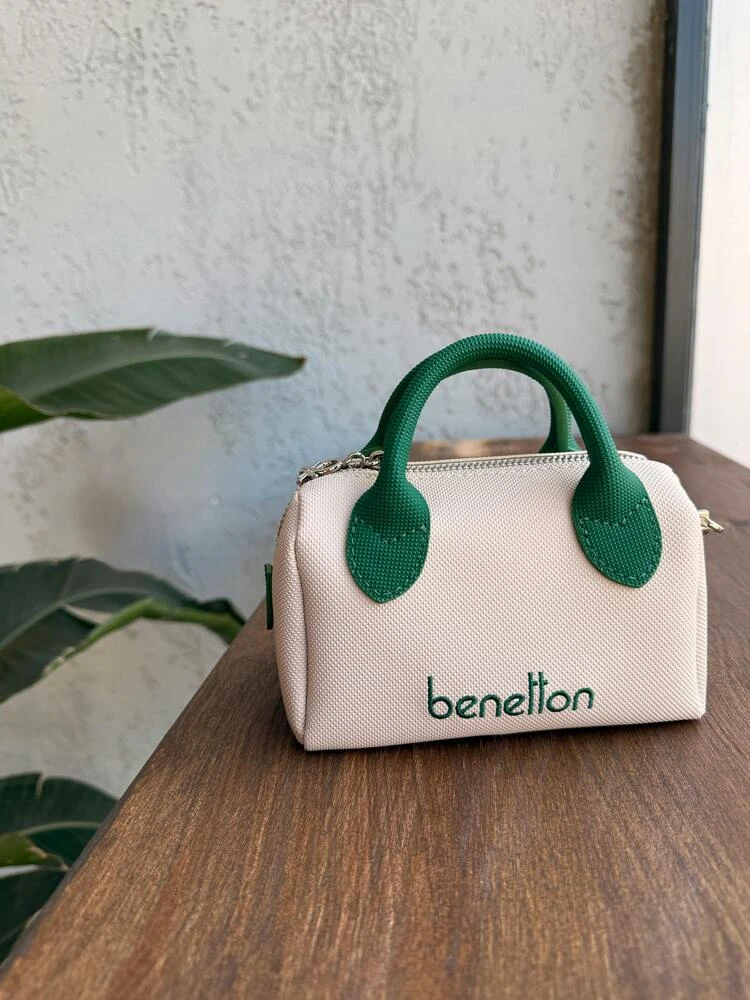
    Sample 1
    Secure & Fast

    By uploading an image or URL, you agree to our Terms of Service. See our Privacy Policy for how we handle your data.

    Unbeatable Quality

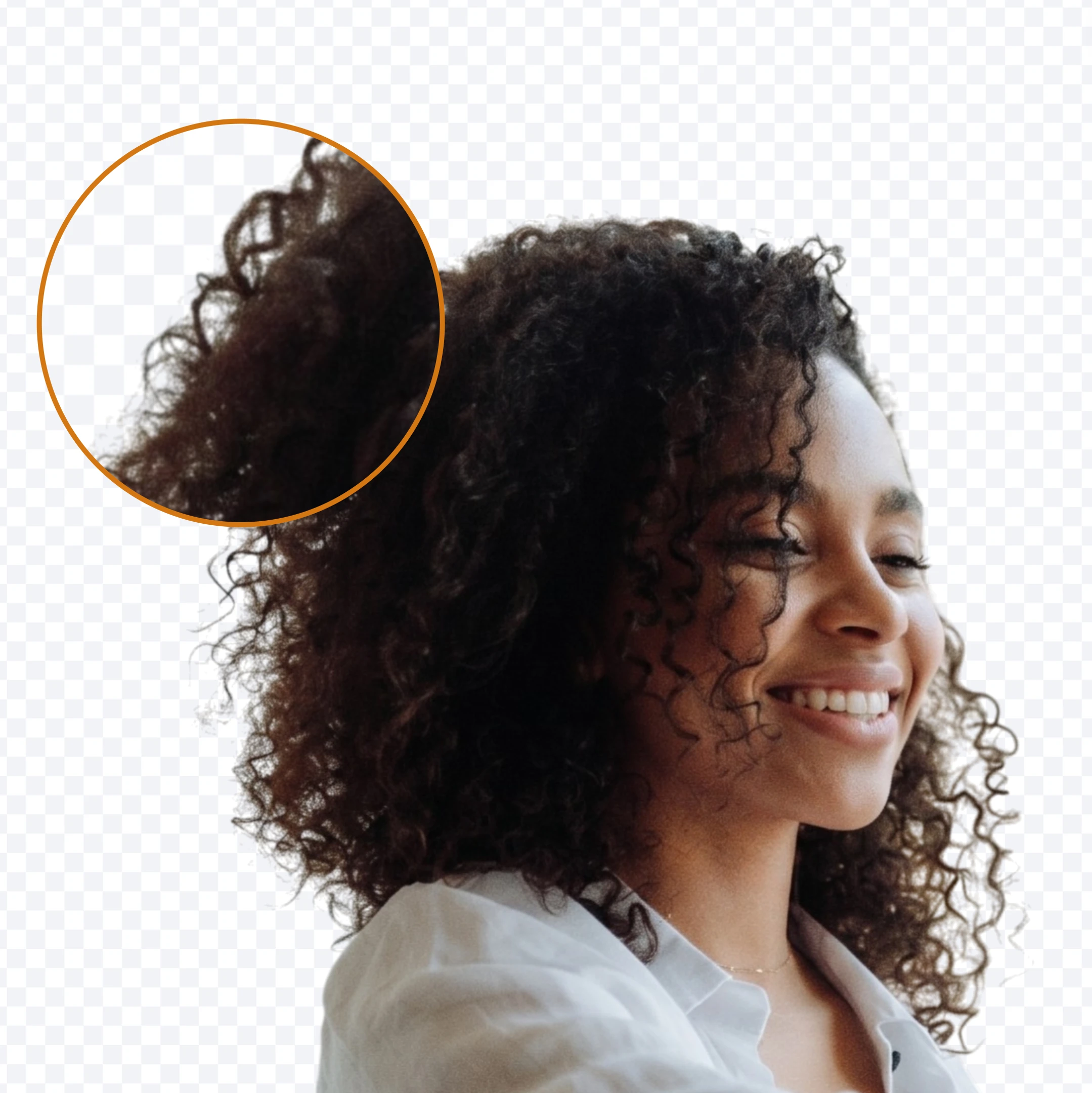
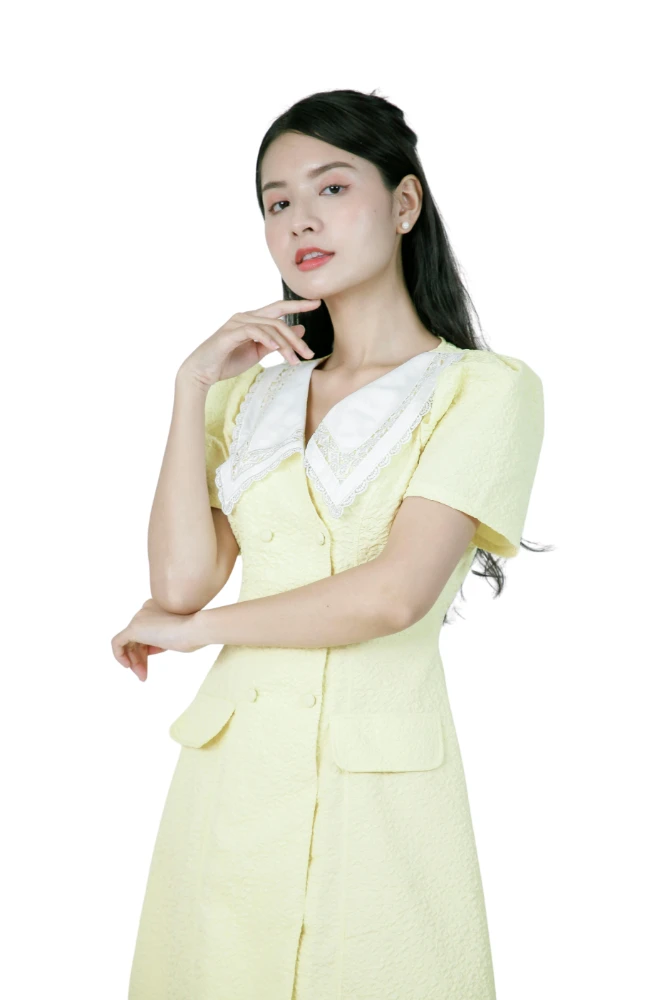
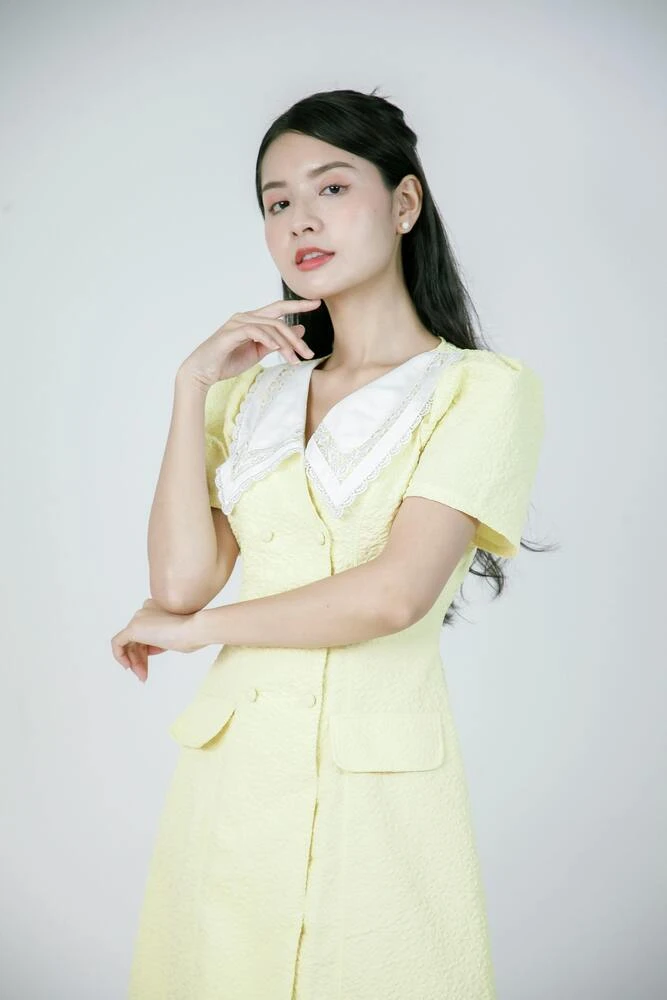
    See the magic yourself. Try it on tricky subjects with fur, hair, and complicated edges.

    Processed example: People
    Original example: People

    Remove backgrounds from hair, fur and product edges

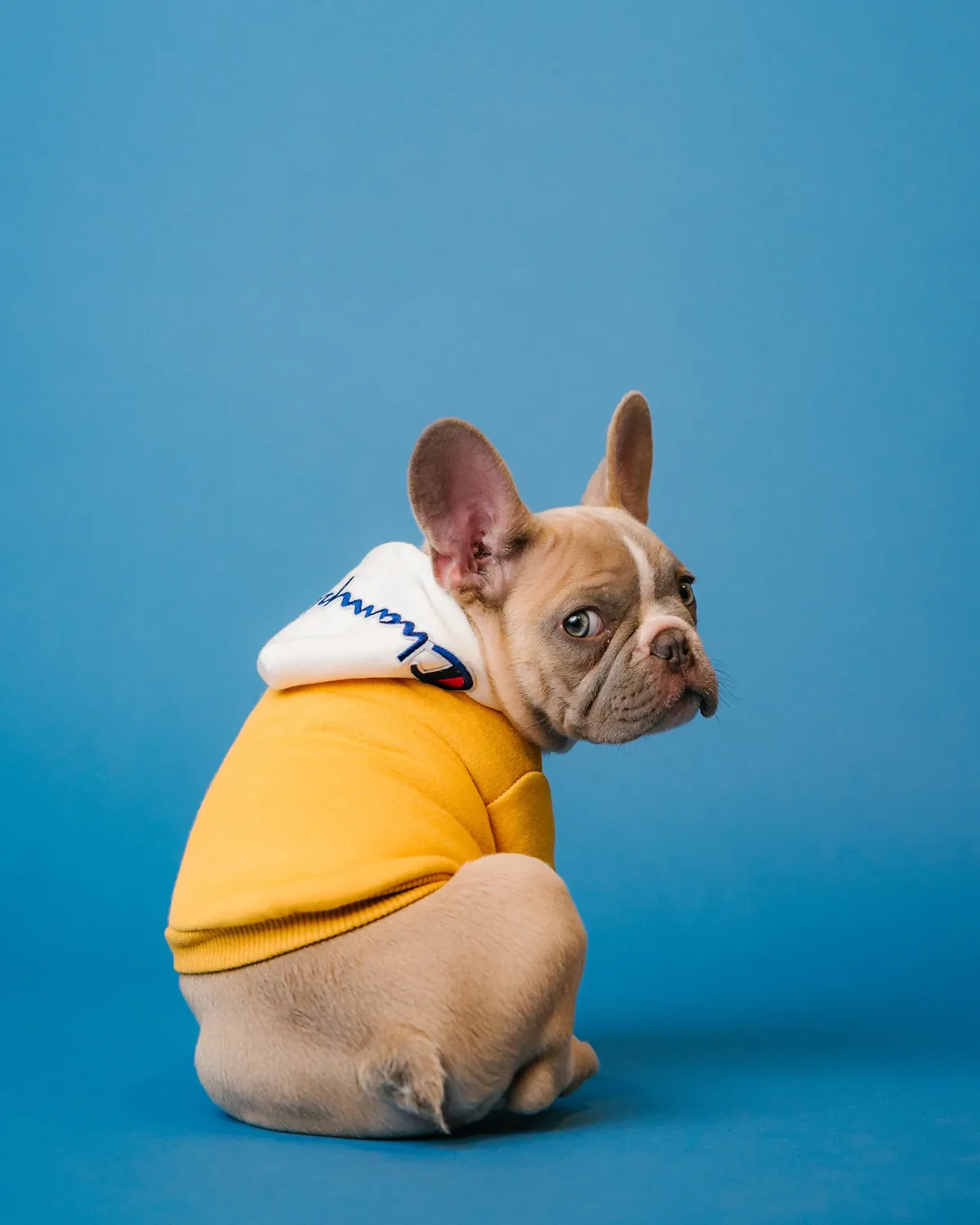
    Use AI background removal for portraits, pets, apparel and product photos where hair, fur, glass or complex outlines need a clean transparent cutout.

    • Handles hair, fur, glass edges and uneven product outlines without hand-drawn masks.
    • Use it for portraits, pets, clothing, cars, graphics and product photos that need a clean cutout.
    • Place the result on white, transparent or branded backgrounds for ecommerce and design work.
    Remove backgrounds from hair, fur and product edges

    Create transparent PNGs for ecommerce and design

    Export transparent PNG images for Shopify, Amazon, Canva, Figma, posters, thumbnails and ad creatives without rebuilding the background by hand.

    • Download a transparent PNG with the alpha channel preserved for layered editing.
    • Works well for Shopify listings, Amazon product images, Canva designs, Figma mockups and thumbnails.
    • Keep one reusable cutout for ads, posters, catalogs, profile photos and marketplace banners.
    Create transparent PNGs for ecommerce and design

    Save Time & Money

    Jobs that used to mean outsourcing or late nights now finish in minutes—invest the time and budget in creative work, launches and campaigns.

    • Replace repetitive manual masking with an upload, preview and download flow.
    • Prepare many product photos or social assets without opening a desktop editor for every image.
    • Reduce routine background-removal work for small teams, stores and solo creators.
    Save Time & Money

    Explore more tools

    Discover what else our AI studio can do for you.

    View all tools

    Expand

    Expand

    Inpaint

    Inpaint

    Upscale

    Upscale

    Crop

    Resize

    Compress

    Convert

    Color adjust

    View all tools

    Loved by creators worldwide

    See what our community has to say about their experience.

    "This tool completely transformed my e-commerce business. I can now process hundreds of product photos a day perfectly. It"

    Sarah Jenkins
    Sarah Jenkins
    E-commerce Owner

    "As a freelance designer, I used to dread masking out hair and complex objects. Now, I just upload it here and get a perfect PNG in 3 seconds. Flawless."

    Michael Chen
    Michael Chen
    Graphic Designer

    "The image upscaler is black magic. I restored so many old family photos that I thought were ruined. Thank you for building such an incredible suite of tools."

    Emily Rodriguez
    Emily Rodriguez
    Content Creator

    Background remover guide

    Remove backgrounds for product photos, portraits and design assets

    Pixpad's AI background remover is built for the practical jobs people search for every day: creating transparent PNGs, cleaning product shots, preparing marketplace listings and cutting out people, pets or objects without manual masking.

    How to remove a background

    1. 1

      Upload a JPG, PNG or WebP image

      Start with the highest-resolution source you have. Clear subject edges give the AI more detail to preserve hair, fur and product outlines.

    2. 2

      Let AI separate the subject

      The model detects the foreground, removes the background and keeps transparent edges ready for compositing or catalog work.

    3. 3

      Download a transparent PNG

      Use the result in Shopify, Amazon, Etsy, social posts, ads, mockups or any design tool that supports alpha transparency.

    Common use cases

    • Create white-background or transparent product photos for ecommerce listings.
    • Cut out portraits for thumbnails, profile images, resumes and presentation decks.
    • Remove busy room, street or studio backgrounds before adding a brand color.
    • Prepare clean assets for Figma, Canva, ads, posters and marketplace banners.

    Best practices

    • Use images where the subject is not heavily blurred or hidden by shadows.
    • For transparent exports, choose PNG so the alpha channel is preserved.
    • If the result will be placed on a bright background, inspect hair and fur edges before publishing.
    • For product catalogs, keep lighting consistent across the original photos for a more uniform grid.

    AI background remover vs manual masking

    Manual masking gives pixel-level control but is slow for batches. AI cutout is better when you need many clean images quickly, especially for ecommerce, social content and design drafts. You can still do manual touch-up later for high-end retouching.

    Supported inputs and outputs

    • Input: JPG, PNG and WebP images.
    • Output: transparent PNG for cutouts and reusable design assets.
    • Best for: people, products, animals, cars, graphics and objects with clear foreground separation.

    or drop a file, paste an image or URL

    No image? Try one of these:
    Sample 1
    Secure & Fast

    By uploading an image or URL, you agree to our Terms of Service. See our Privacy Policy for how we handle your data.

    Frequently Asked Questions

    Got questions? We

    Simply upload your image to our AI background remover. The AI will automatically detect the main subject and erase the background in seconds, providing a clean transparent PNG entirely for free.
    Pixpad logoPixpad

    AI-powered image editing. Sign in to access every tool, projects, and assets in your workspace.

    Start free

    AI tools

    • Cutout
    • Expand
    • Inpaint
    • Upscale

    Basic editing

    • Crop
    • Resize
    • Compress
    • Convert
    • Color adjust

    More

    • Workspace
    • Pricing
    • Terms of Service
    • Privacy Policy

    © 2026 Pixpad. All rights reserved.

    English
    English简体中文日本語한국어DeutschEspañolFrançaisPortuguês (Brasil)