



How to expand an image
- 1
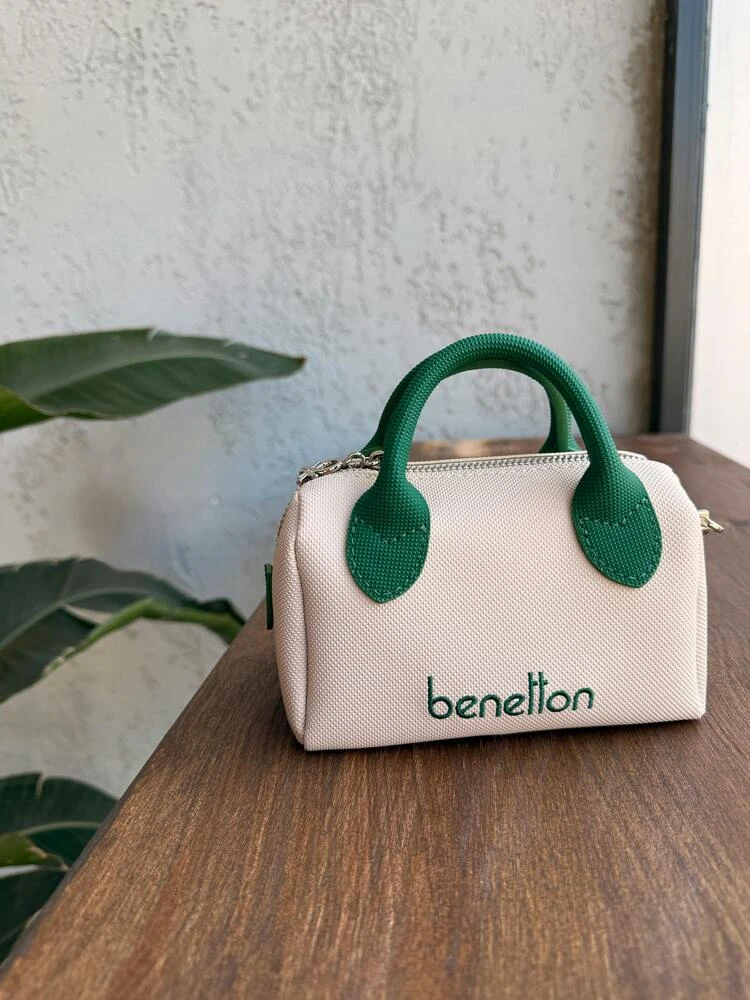
Upload the original image
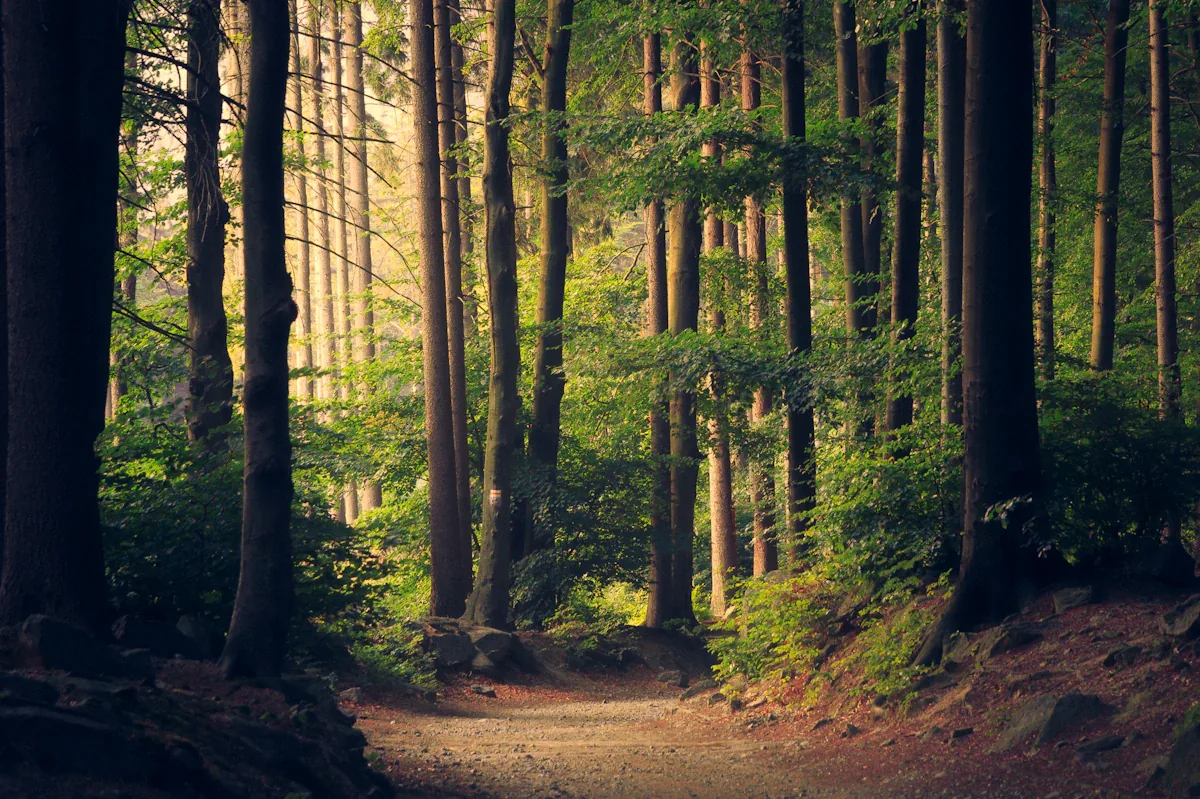
Choose a source with clear lighting and enough visible context for the AI to infer what should continue beyond the borders.
- 2
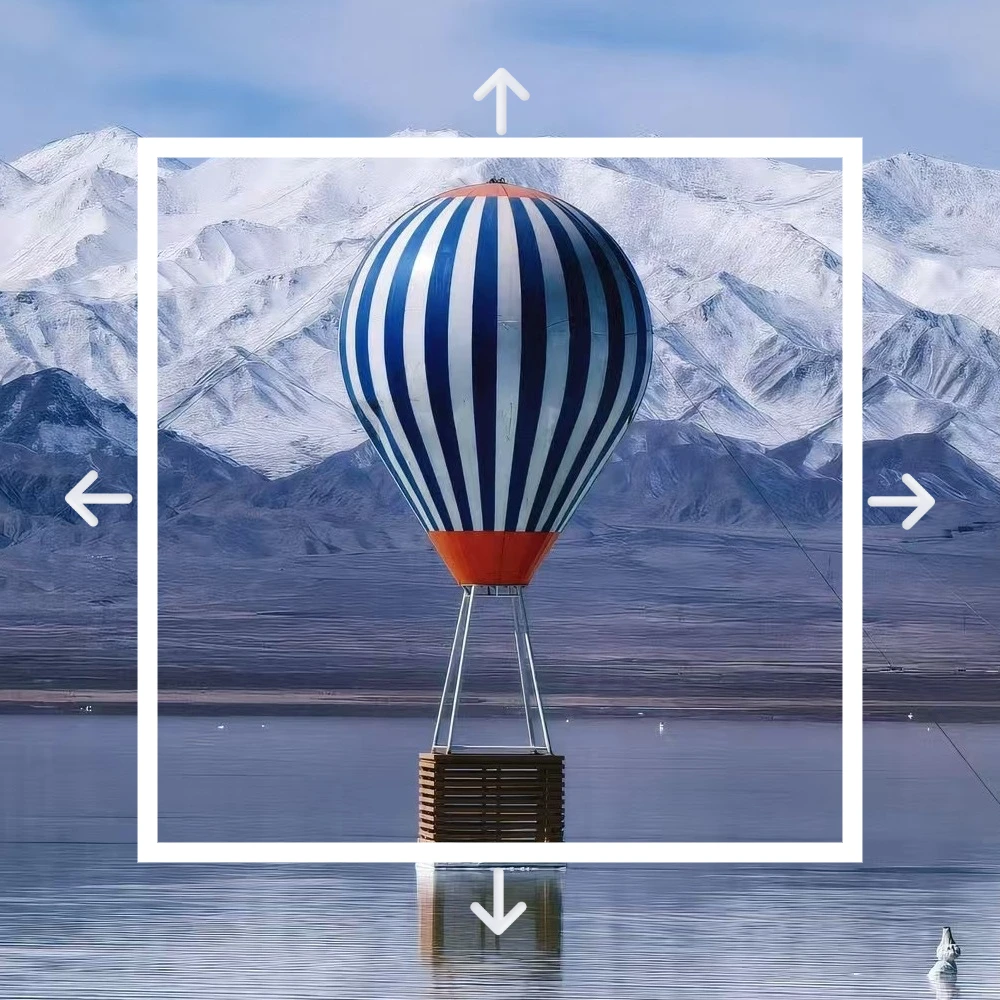
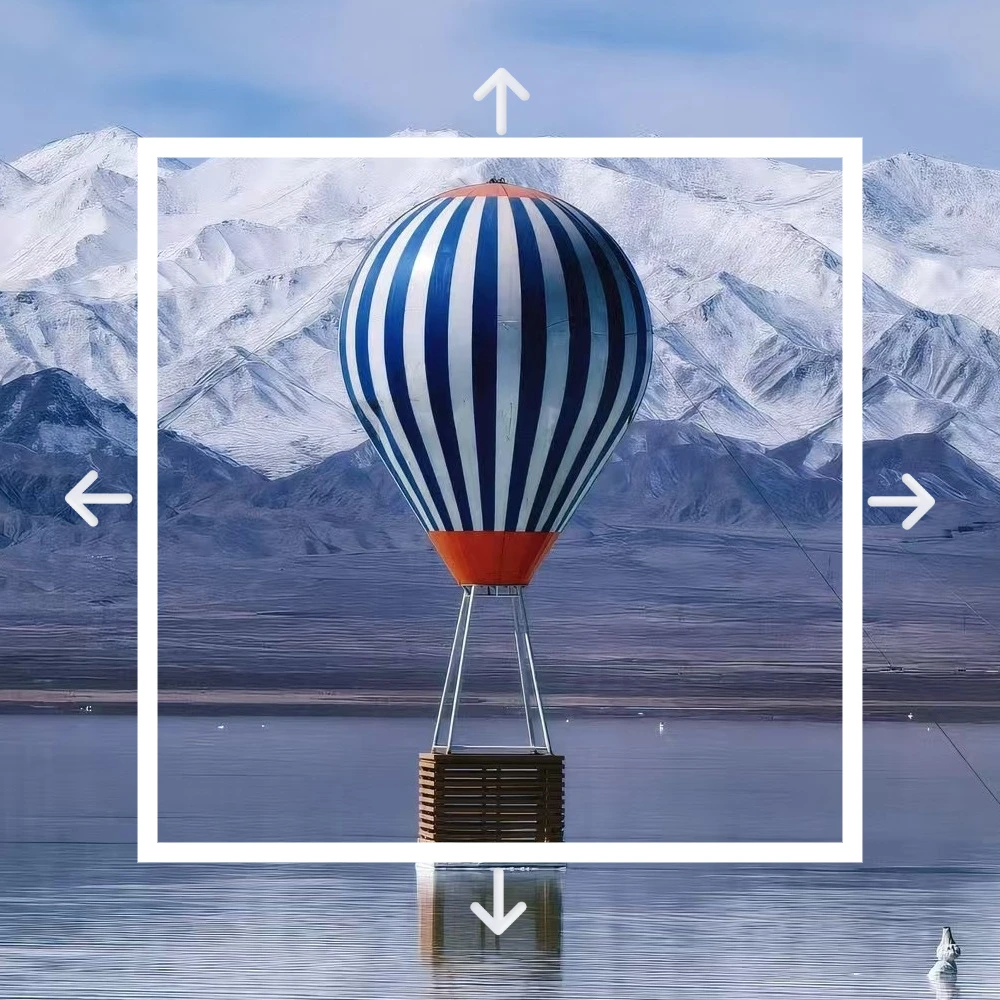
Set the new canvas area
Expand left, right, top or bottom depending on whether you need a hero banner, ad layout, cover image or extra whitespace.
- 3
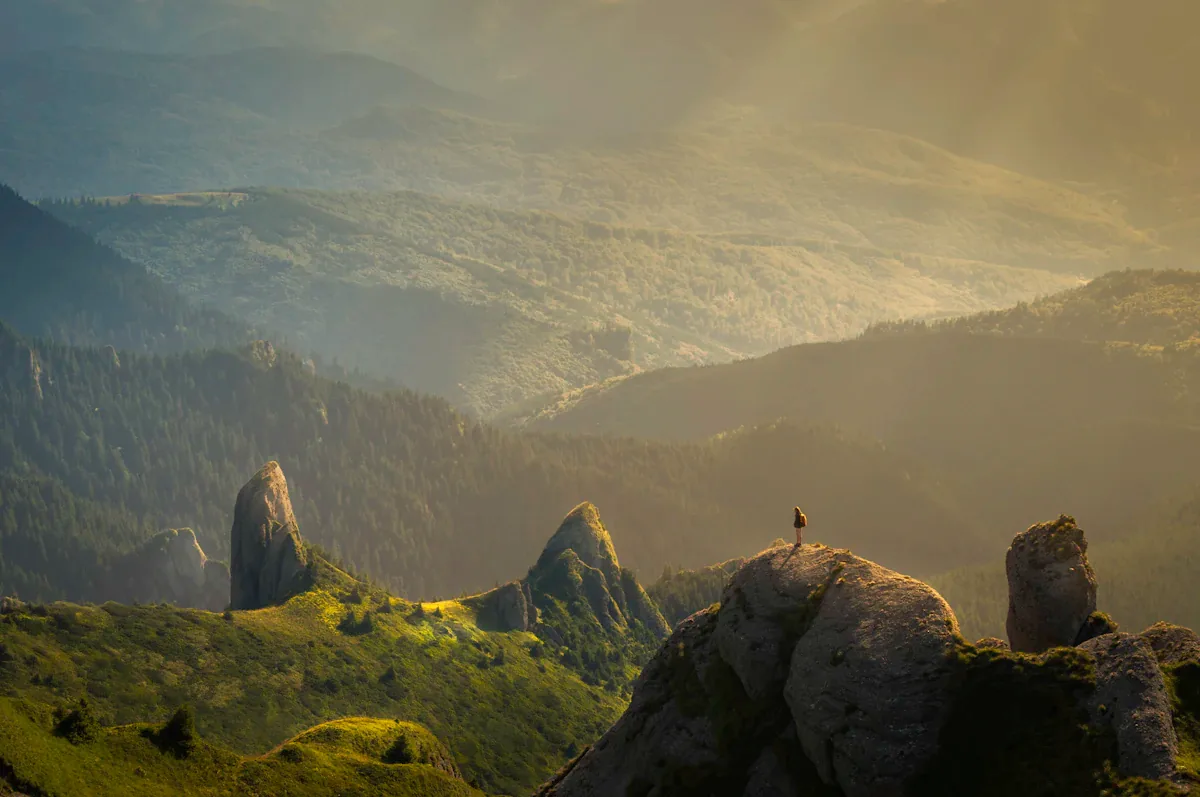
Generate and download
Review the extended area for matching texture, light and perspective, then export the expanded creative.