Pixpad logoPixpad

    AI tools

    CutoutInstantly remove backgrounds from any image with AI. 100% automatically and free.
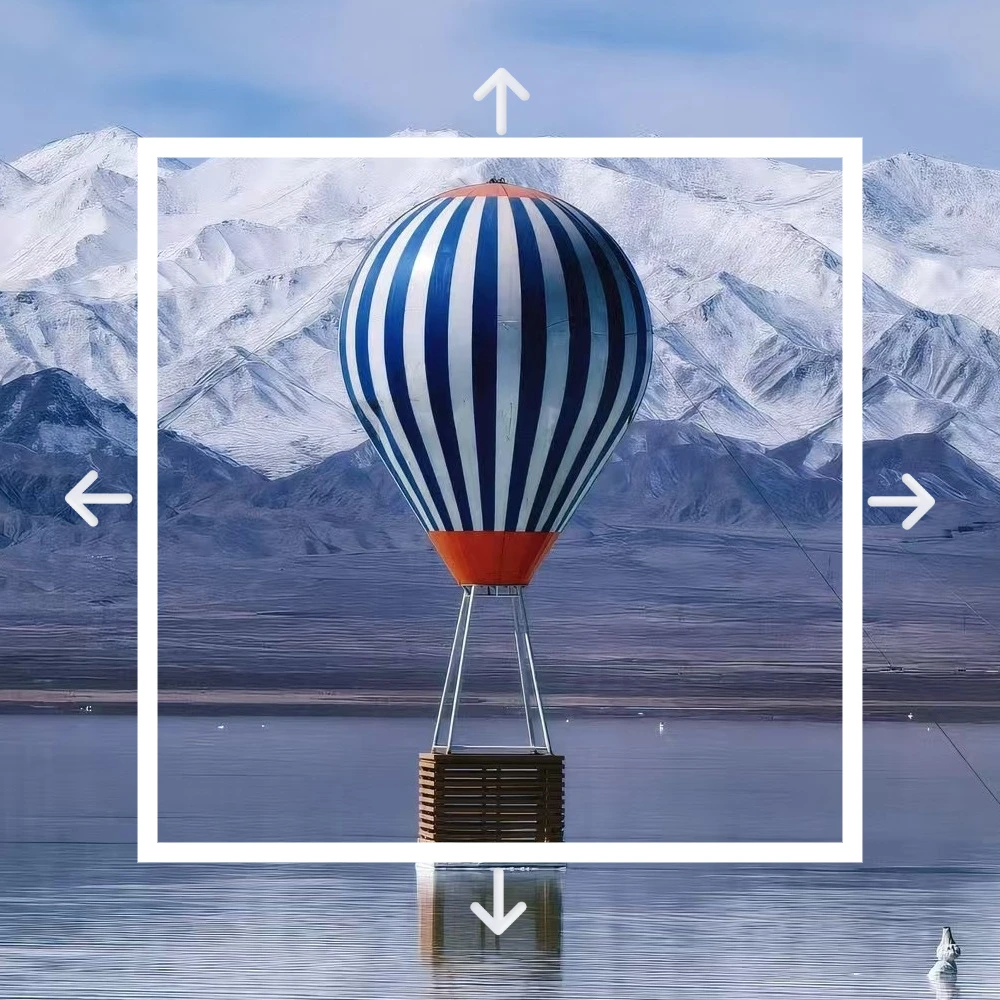
    ExpandUncrop and extend your images seamlessly with AI outpainting.
    InpaintRepaint masked regions with AI using prompts and references.
    UpscaleEnhance resolution and clarity for print and large outputs.

    Basic editing

    CropCrop your images perfectly for any platform or aspect ratio.
    ResizeResize your image without losing quality, ideal for social media or web.
    CompressReduce file size significantly without sacrificing visible quality.
    ConvertConvert your images between WebP, PNG, JPG, and other formats instantly.
    Color adjustAdjust brightness, contrast, saturation and professional color controls.
    Quick

    Quick image editor

    Upload an image to cut out, expand, inpaint, and more—no sign-in required.

    Quick image editor
    Start editing
    Editor

    All-in-one image editor

    Create polished product visuals in minutes—for personal projects or brand campaigns.

    All-in-one image editor
    Workspace
    Pricing
    English
    English简体中文日本語한국어DeutschEspañolFrançaisPortuguês (Brasil)
    Start free
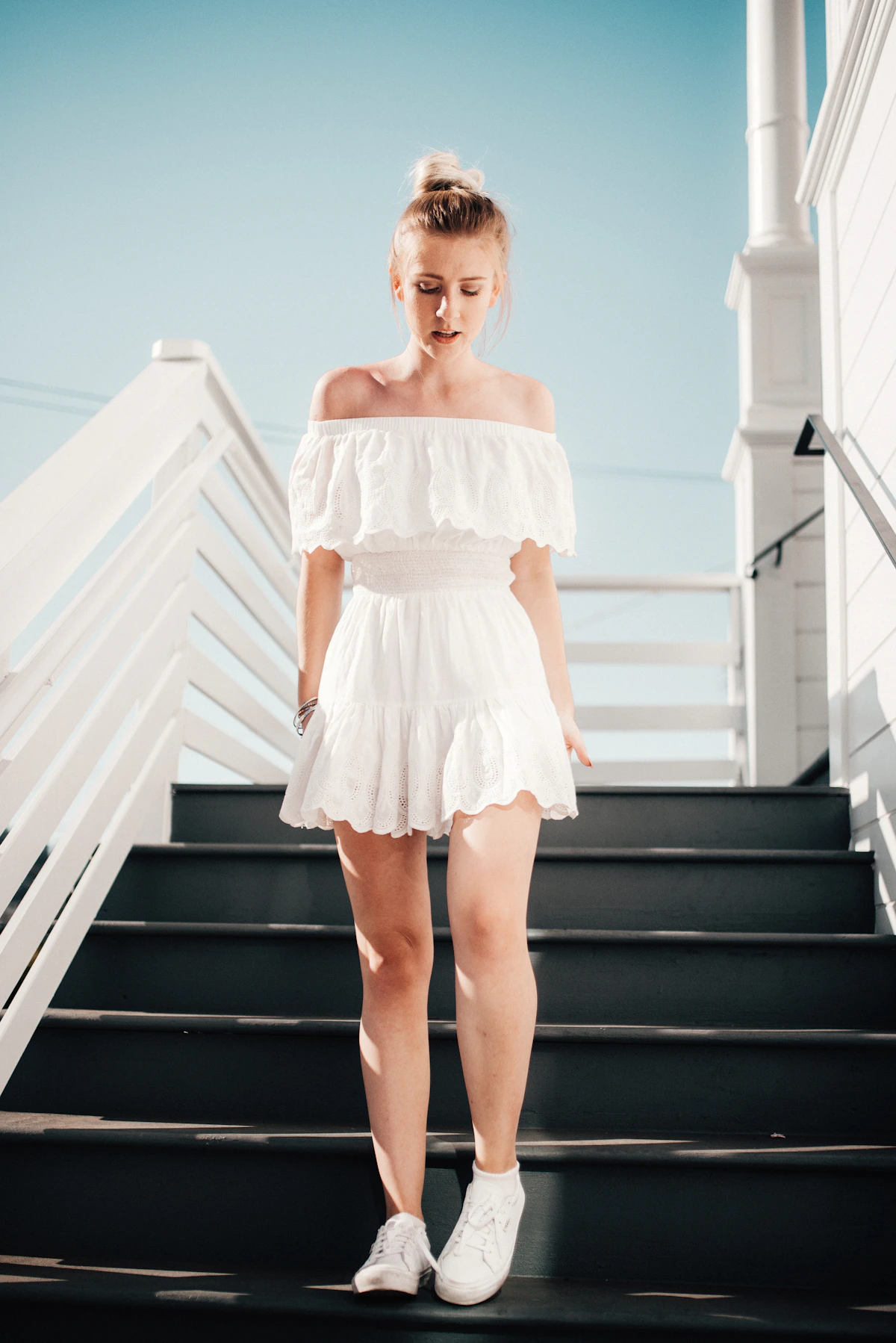
    Portrait photo

    Portrait photo

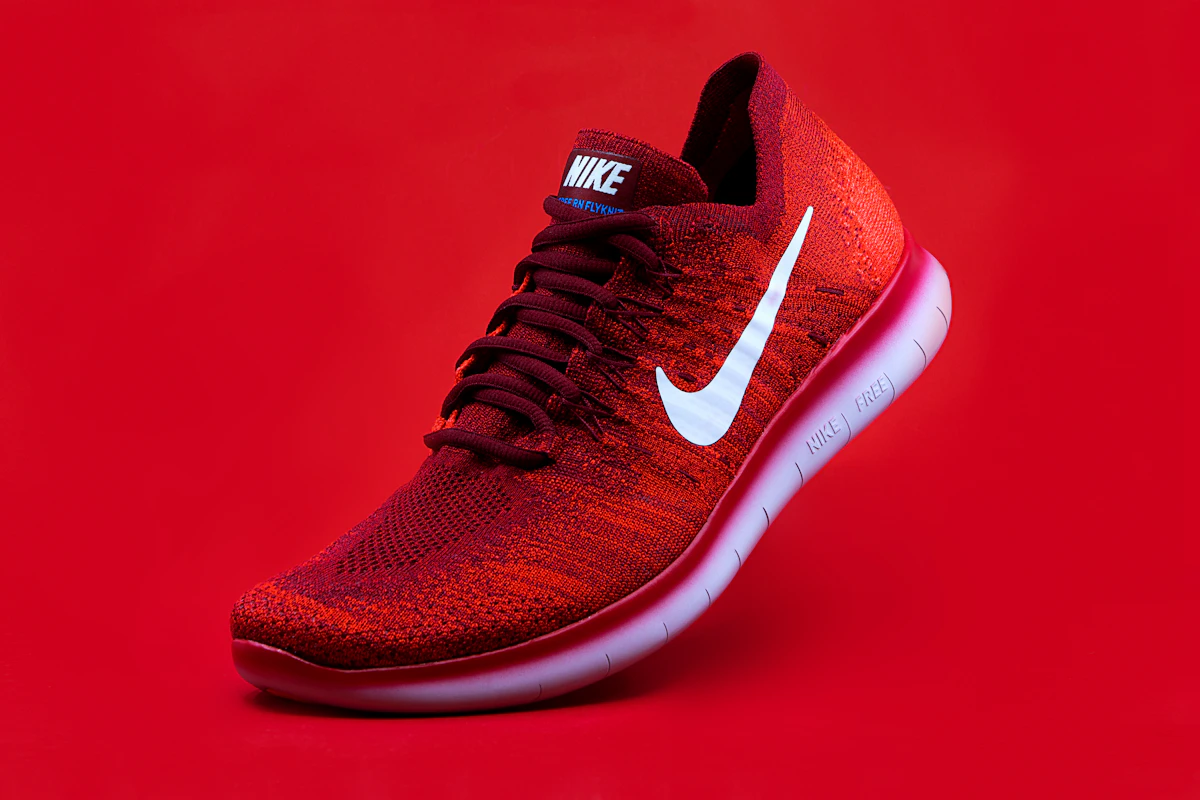
    Product photo

    Product photo

    Studio photo

    Studio photo

    Free AI Image Editor

    Cutout, expand, inpaint, upscale, crop, compress, convert & more essential editing — all online

    Remove backgrounds in one clickRemove backgrounds in one click
    Start Creating Free

    AI Visuals

    Create stunning visuals with AI
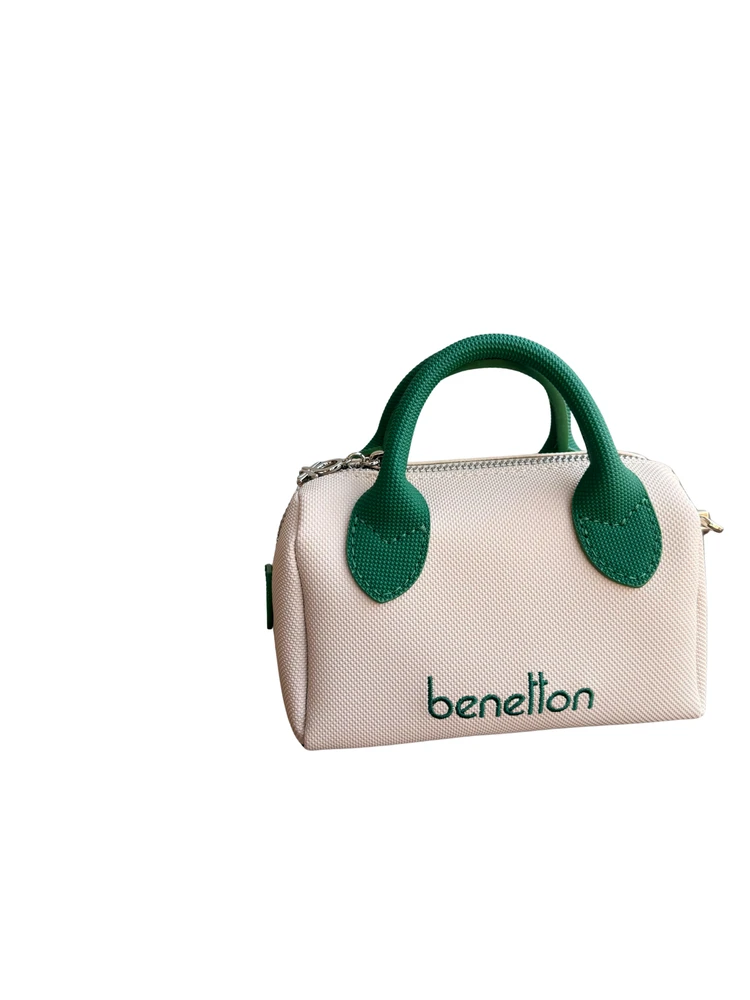
    • Cutout · People
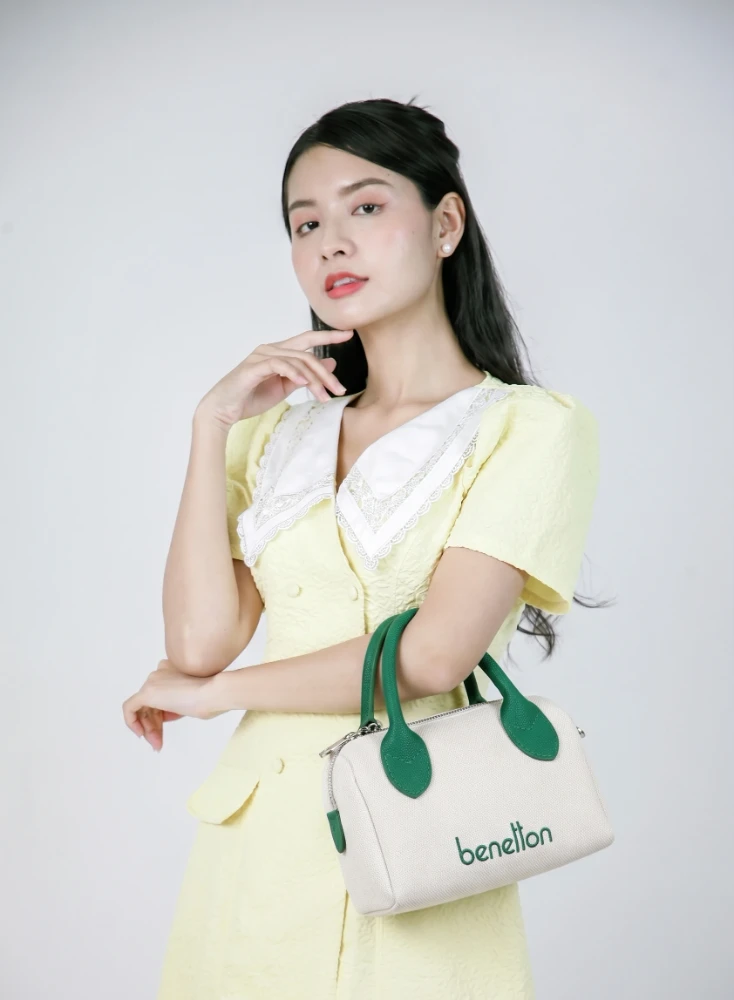
    • Cutout · Products
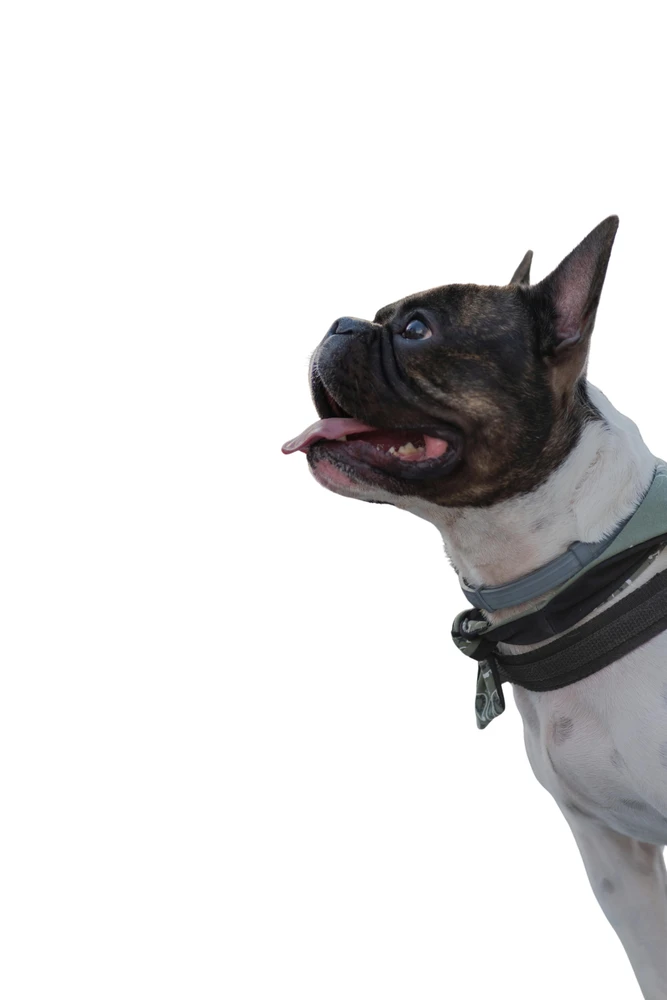
    • Cutout · Animals
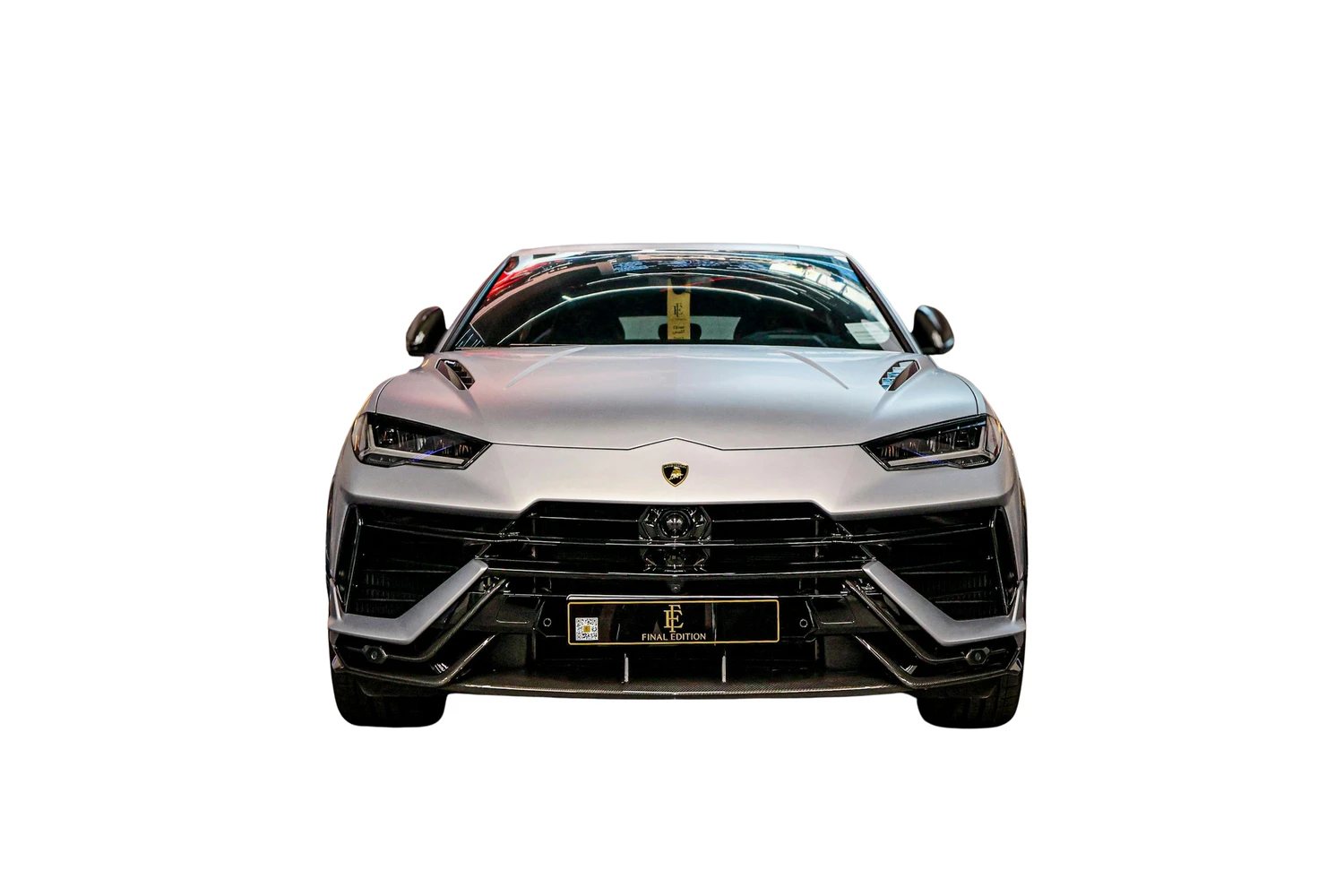
    • Cutout · Cars
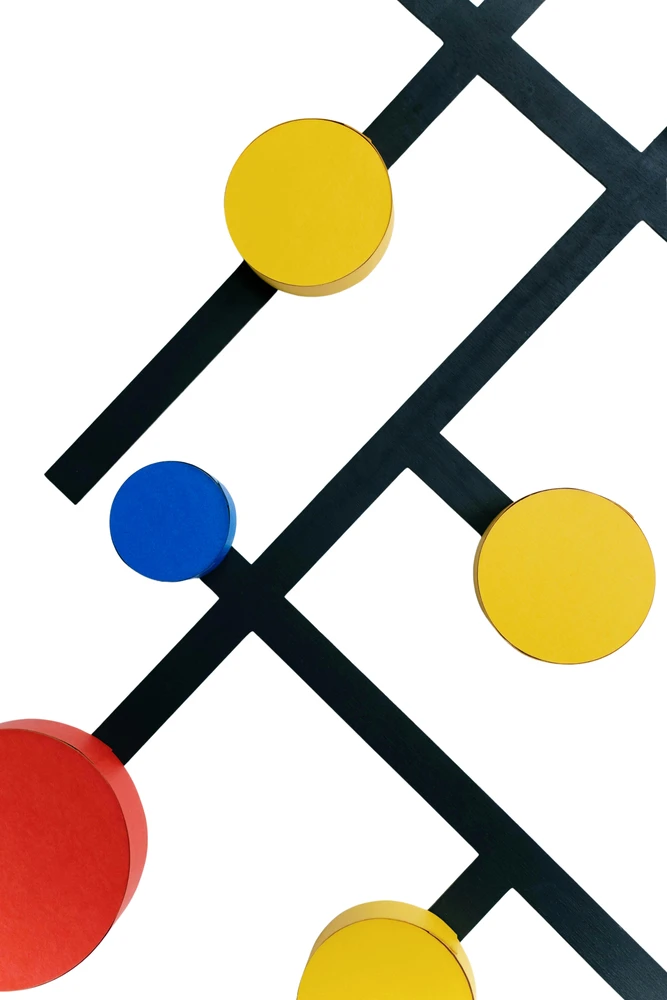
    • Cutout · Graphics
    • Inpaint · Portraits
    • Upscale · Portraits
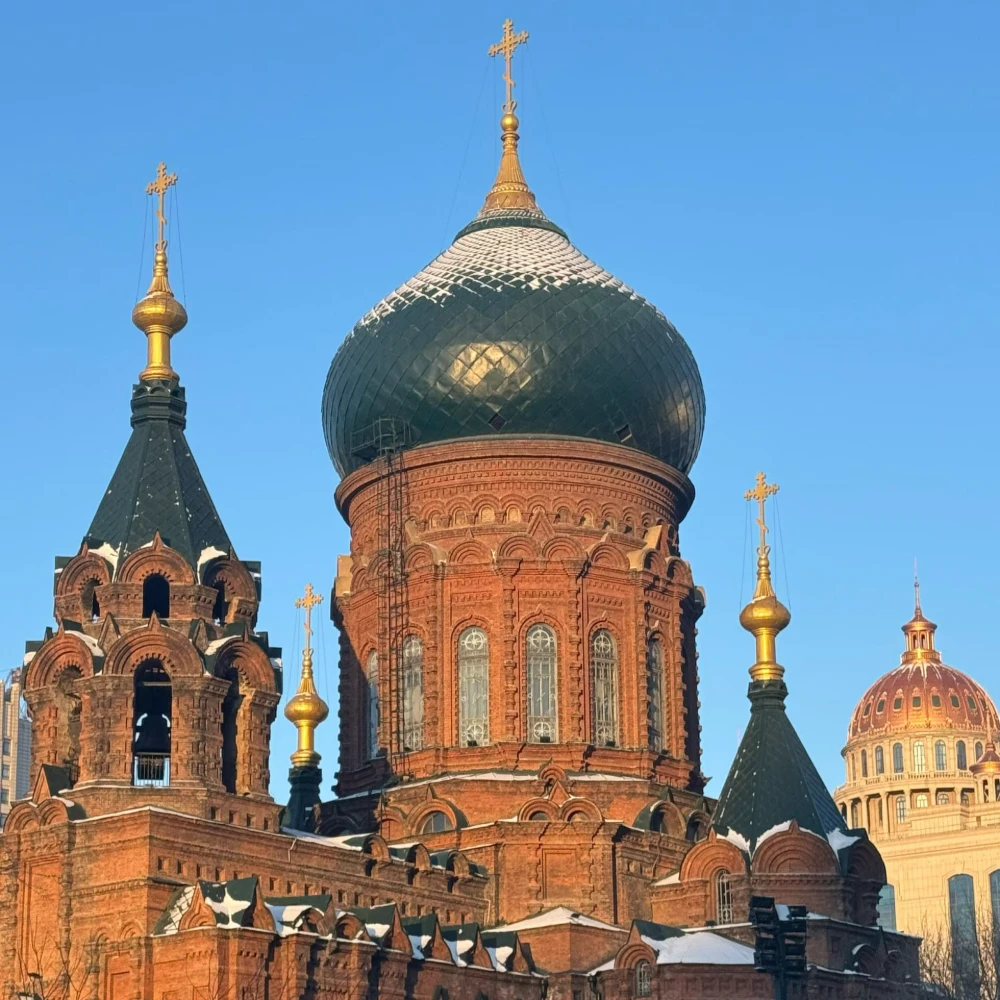
    • Expand · Landscapes

    AI tool highlights

    Four capabilities, one workflow

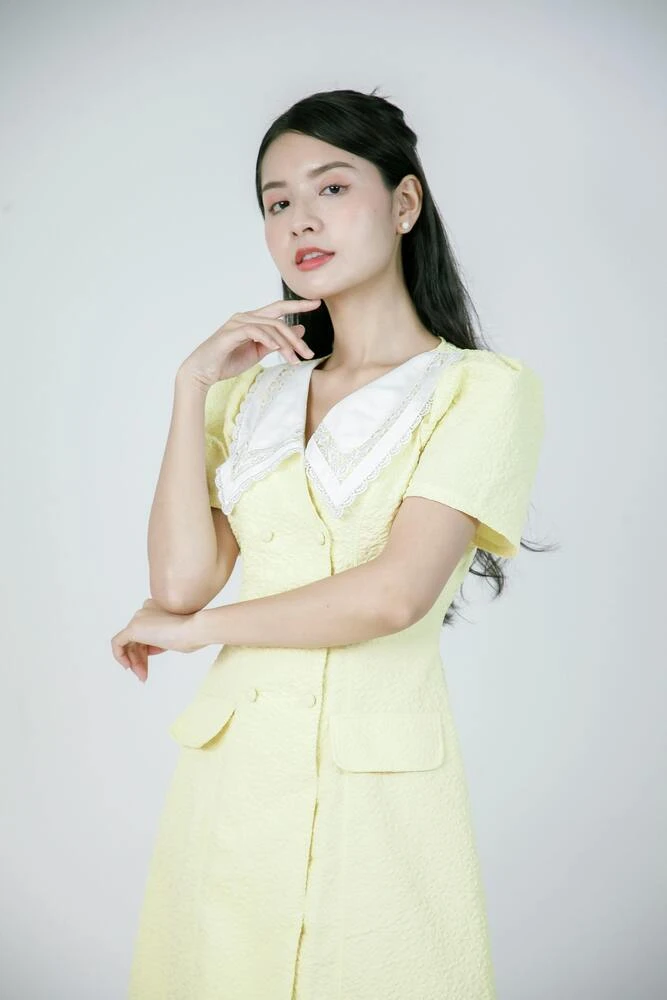
    Drag the slider to compare before and after—see cutout, expand, inpaint and upscale for real.

    Cutout

    Separate hair, glass and tricky edges in one pass; export transparent PNGs ready for listings, ads and design comps without manual masking.

    Expand

    AI extends the frame with matching light and context—outpaint in multiple directions for banners, crops and extra breathing room.

    Inpaint

    Paint a focused mask and keep everything else untouched; describe the change and optionally add references for natural blends.

    Upscale

    Rebuild texture while you enlarge—sharper than a simple scale-up for storefronts, print and large hero assets.
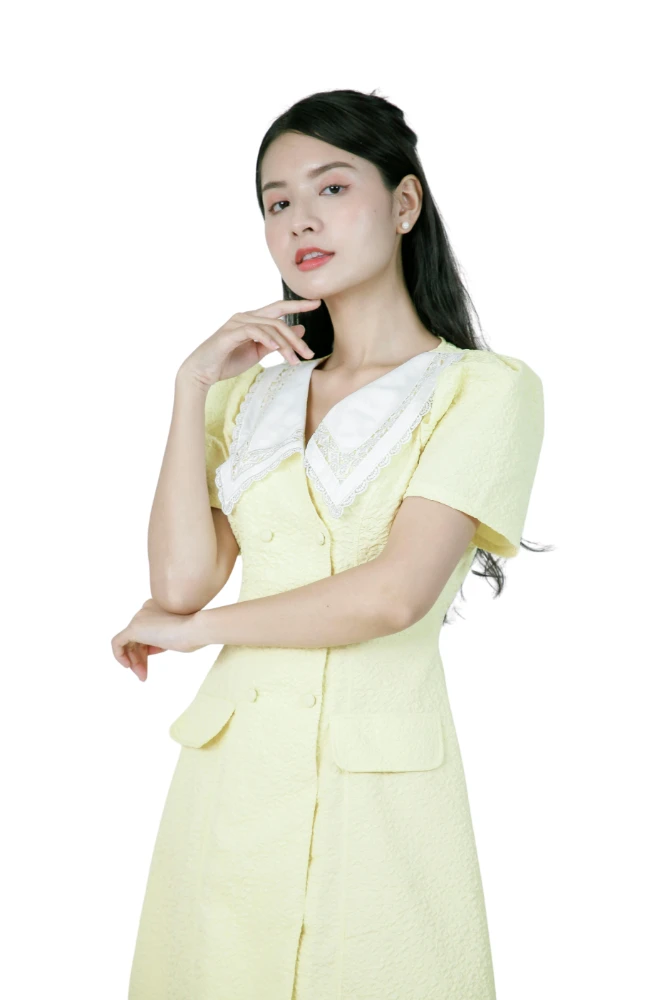
    Processed example: Cutout
    Original example: Cutout

    Loved by everyone

    One toolkit for all your image needs

    Say goodbye to complicated software. Meet the simplest and fastest set of AI image editing tools on the web.

    Cutout

    Cutout

    Expand

    Expand

    Inpaint

    Inpaint

    Upscale

    Upscale

    Crop

    Resize

    Compress

    Convert

    Color adjust

    View all tools

    Why choose our platform?

    Designed to streamline your creative workflow and boost productivity.

    Save 90% of Your Time

    What used to take hours in Photoshop now takes seconds with our AI.

    No Skills Required

    Zero learning curve. If you can drag and drop, you can create magic.

    API Integration

    Build our powerful AI tools directly into your own apps and workflows.

    Cost-Effective

    Get agency-quality results without paying for expensive software or freelancers.

    Loved by creators worldwide

    See what our community has to say about their experience.

    "This tool completely transformed my e-commerce business. I can now process hundreds of product photos a day perfectly. It"

    Sarah Jenkins
    Sarah Jenkins
    E-commerce Owner

    "As a freelance designer, I used to dread masking out hair and complex objects. Now, I just upload it here and get a perfect PNG in 3 seconds. Flawless."

    Michael Chen
    Michael Chen
    Graphic Designer

    "The image upscaler is black magic. I restored so many old family photos that I thought were ruined. Thank you for building such an incredible suite of tools."

    Emily Rodriguez
    Emily Rodriguez
    Content Creator
    Pixpad logoPixpad

    AI-powered image editing. Sign in to access every tool, projects, and assets in your workspace.

    Start free

    AI tools

    • Cutout
    • Expand
    • Inpaint
    • Upscale

    Basic editing

    • Crop
    • Resize
    • Compress
    • Convert
    • Color adjust

    More

    • Workspace
    • Pricing
    • Terms of Service
    • Privacy Policy

    © 2026 Pixpad. All rights reserved.

    English
    English简体中文日本語한국어DeutschEspañolFrançaisPortuguês (Brasil)